

let’s get coding!
Arduino STEM Starter Programming Coding Subscription – How to set up
step 1
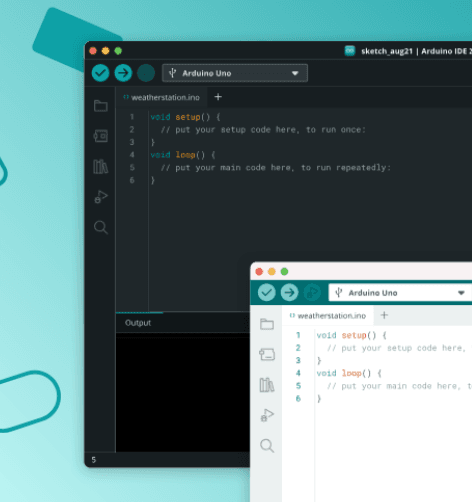
1. Download Arduino IDE
Arduino IDE 2.3.10 is the software you’ll use to program your STEM projects. Download and install it on your computer before you begin via the link below.
step 2
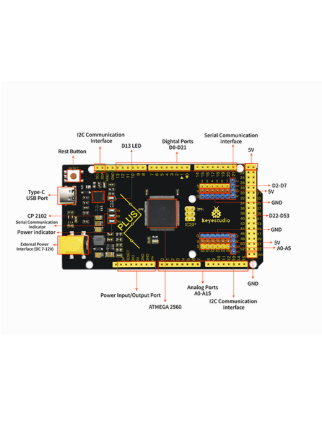
2. Install the USB Driver
Install the required driver so your computer can recognise and communicate with your board. The correct board is: ks0499 MEGA Plus.
step 3
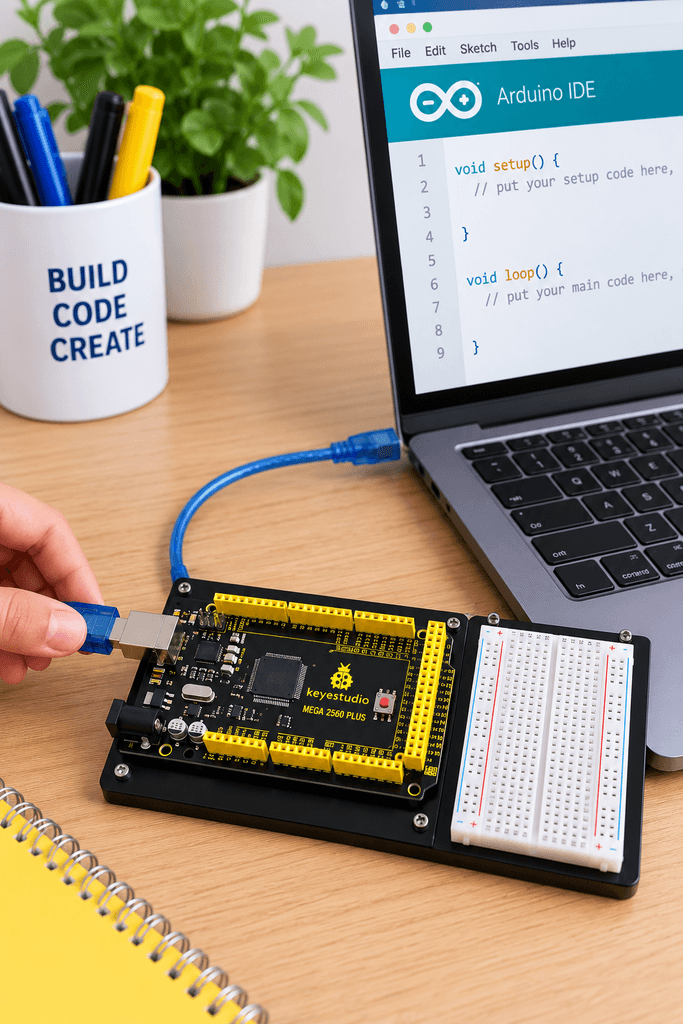
3. Connect Your Board
Use the supplied USB cable to connect your Keyestudio Mega Plus board to your computer.
step 4
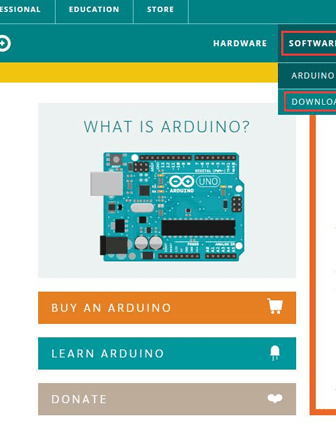
4. Set Up Arduino IDE
Open Arduino IDE, select the correct board and USB/COM port. Once your board is recognised, you’re ready to start your first coding project!
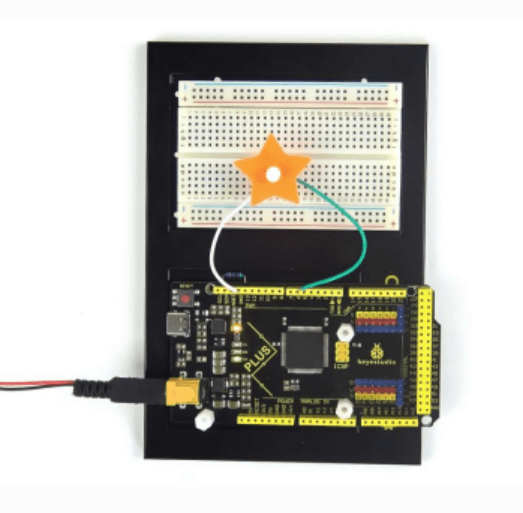
Full Getting Started Instructions
Everything you need to set up your board, connect your computer and get ready to start coding.
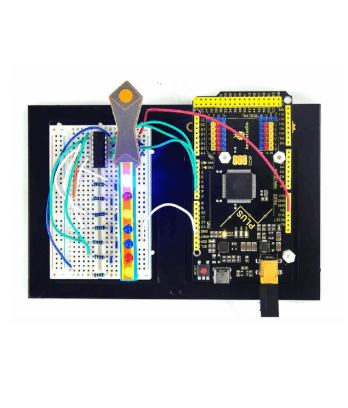
Project Instructions
Step-by-step instructions to help you build, code and complete each project.